
CashBoo Task and Earn: Quick Social Tasks for Coins
Published 28 September 2026 · Updated 29 September 2026
By Vishal Kumar — Content & Growth at CashBoo — tests every earning method and payout flow first-hand
If you have just installed CashBoo and want your first Coins quickly, start with Task & Earn. Each task asks you to do one small thing: join CashBoo's Telegram channel, follow the Instagram page, subscribe on YouTube or join on WhatsApp. Each one pays a fixed number of Coins. Most take less than a minute, and the Coins are added as soon as the task is verified. This guide walks through the steps, explains why the section exists, and covers how to stay safe.
Where to find it
Task & Earn is in the Community area of the app. Every task card shows the platform icon and the Coin reward, so you know what you will earn before you tap.
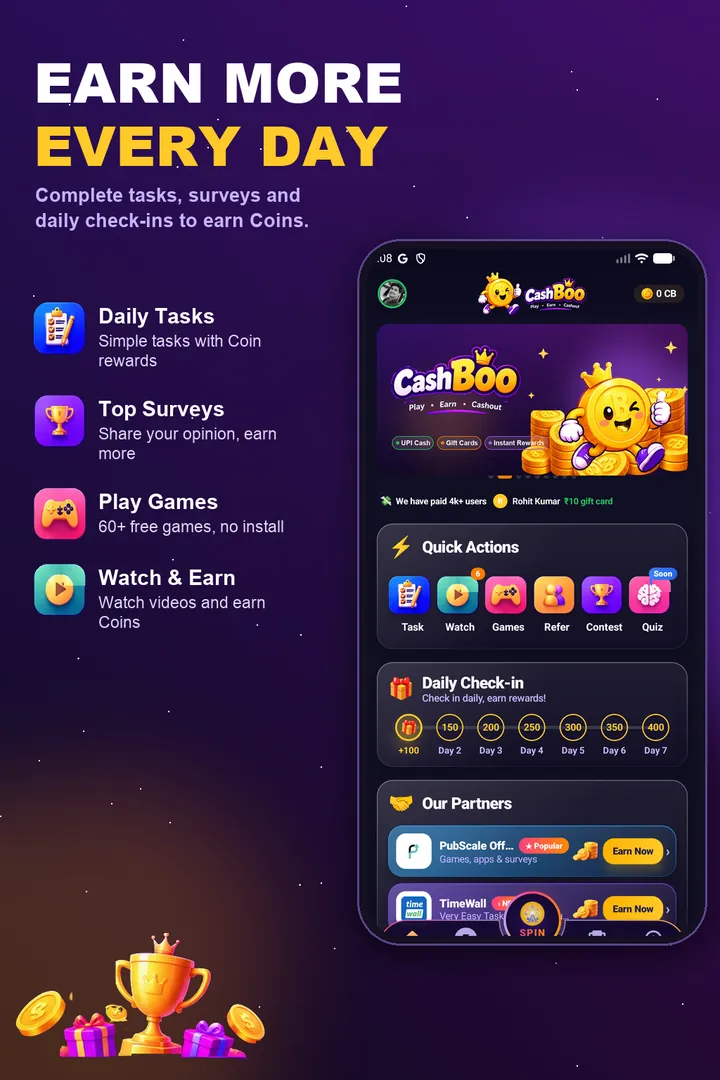
Completing a task, step by step
- Tap a task card. A panel slides up with the reward and a short How to do? guide
- Use the link in that panel to open the official channel or page
- Join, follow or subscribe using the account you normally use
- If the task mentions a code, look for it in the channel and copy it
- Go back to CashBoo, paste the code if one is needed, and tap Verify & Claim. The Coins are added to your balance right away
Each task can be done only once. A new user can usually clear the whole list in one sitting, for example during a lunch break, and start with a healthier balance. After that, check back every few days, because CashBoo adds new tasks when it opens new channels or runs new campaigns.
Why would an app pay you to follow it?
It is ordinary marketing. For CashBoo, an engaged follower is worth more than the Coins the task costs, because official channels are the quickest way to reach users with news, giveaways and new features. Brands have always paid for attention. Here some of that goes to you instead of an ad agency. We explain this in more detail in why companies give free coupons to new apps and in our look at Telegram, YouTube and WhatsApp reward offers.
The task reward is only the start
It is tempting to join, claim and leave straight away. The better choice is to stay. CashBoo's channels post redeem codes and giveaway announcements from time to time, and members who see them early are the ones who manage to use them. Leaving can also cause the task to fail verification later. You can mute the channel so it doesn't bother you and still see codes when they are posted.
Staying safe while doing tasks
- A genuine task only asks you to join or follow. It will never ask for money, an OTP, your UPI PIN or for you to forward messages
- Always open channels through the link inside the app. Lookalike channels that turn up in Telegram search can be fake
- If a claim doesn't go through, check that you joined with the same account and tap Verify again. Still stuck? Follow our guide on what to do when a reward isn't credited
Frequently asked questions
How soon do Task & Earn Coins show up?
Straight away. Once the task is done and you tap Verify & Claim, the Coins are added to your balance.
Where do I find the code a task asks for?
It is posted inside the channel or page the task sends you to. The code proves you really visited. Copy it, paste it in the app, and tap Verify & Claim.
Is it okay to unfollow after I get the Coins?
It's allowed, but you would miss the redeem codes and giveaways that are posted only to members, and the task may fail verification later. Muting the channel is a better option.
What if I've finished every task?
Check again in a few days. New tasks are added as CashBoo launches new channels and campaigns. Until then, games, surveys and referrals are other ways to earn Coins.